- 01Edit offline players on ESX, QBCore and Qbox. Money, items, job, licenses and CKs
- 02Find every copy of a duplicated item across inventories, stashes, trunks and gloveboxes
- 03Economy history and analytics, with automatic anomaly detection
The panel started as the tool the staff of a live server used every day. It is built for that daily work: finding a player who is offline, fixing their inventory, checking where money came from, and keeping a record of who changed what.
Version 2.2 makes it fully framework-aware. It reads ESX, QBCore and Qbox the way each one stores its data, detects the resources your server uses, and hides everything you do not have. You get no broken pages and nothing to configure by hand.
Version 2.3 adds optional two-step verification. You decide whether your staff use it: off, optional for each admin, or required for everyone. With it on, a leaked password is not enough to open the panel.
Features
- Native ESX Legacy, QBCore and Qbox. The installer detects your framework, and QBCore JSON columns are edited without breaking them
- Detects your resources and hides what you do not use. Housing (loaf, esx_property, ps-housing, qbx_properties, qb-houses), banking (qb-management, qb-banking, Renewed-Banking), billing, ox_inventory and lb-phone
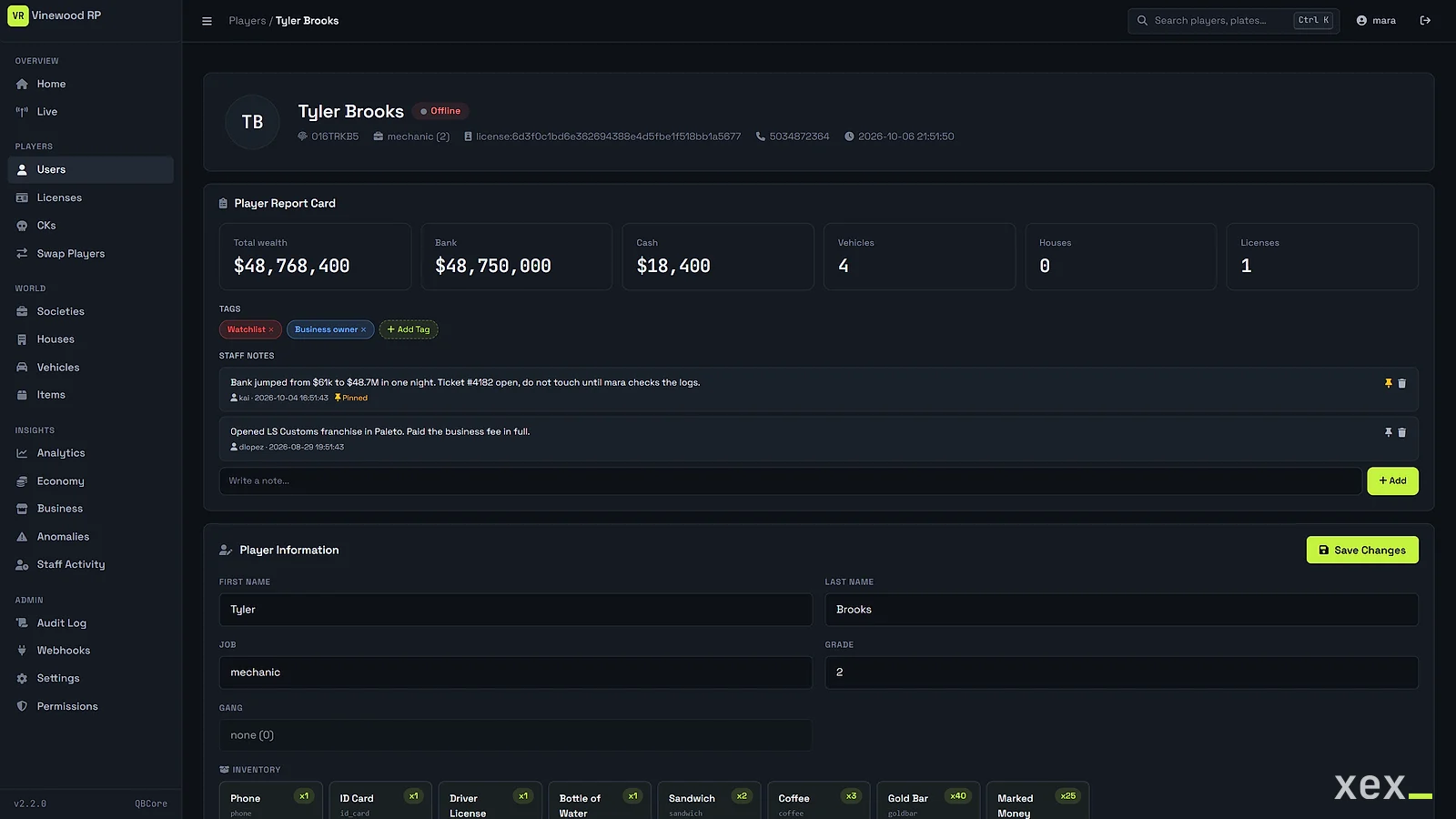
- Player profiles with staff notes and tags, inventory with your own item labels, vehicles, houses and licenses
- Character kill, and moving a character to another Rockstar license, across every table that belongs to it
- Item Finder: who holds an item across inventories, stashes, trunks and gloveboxes, to track down duplicates
- Live Server: connected players and server info from your server's API
- Vehicles by model and garage; delete by plate or send to a garage
- Job and gang funds and members with grades, plus society inventories on ESX
- Skin viewer grouped into identity, hair, face, makeup and clothing
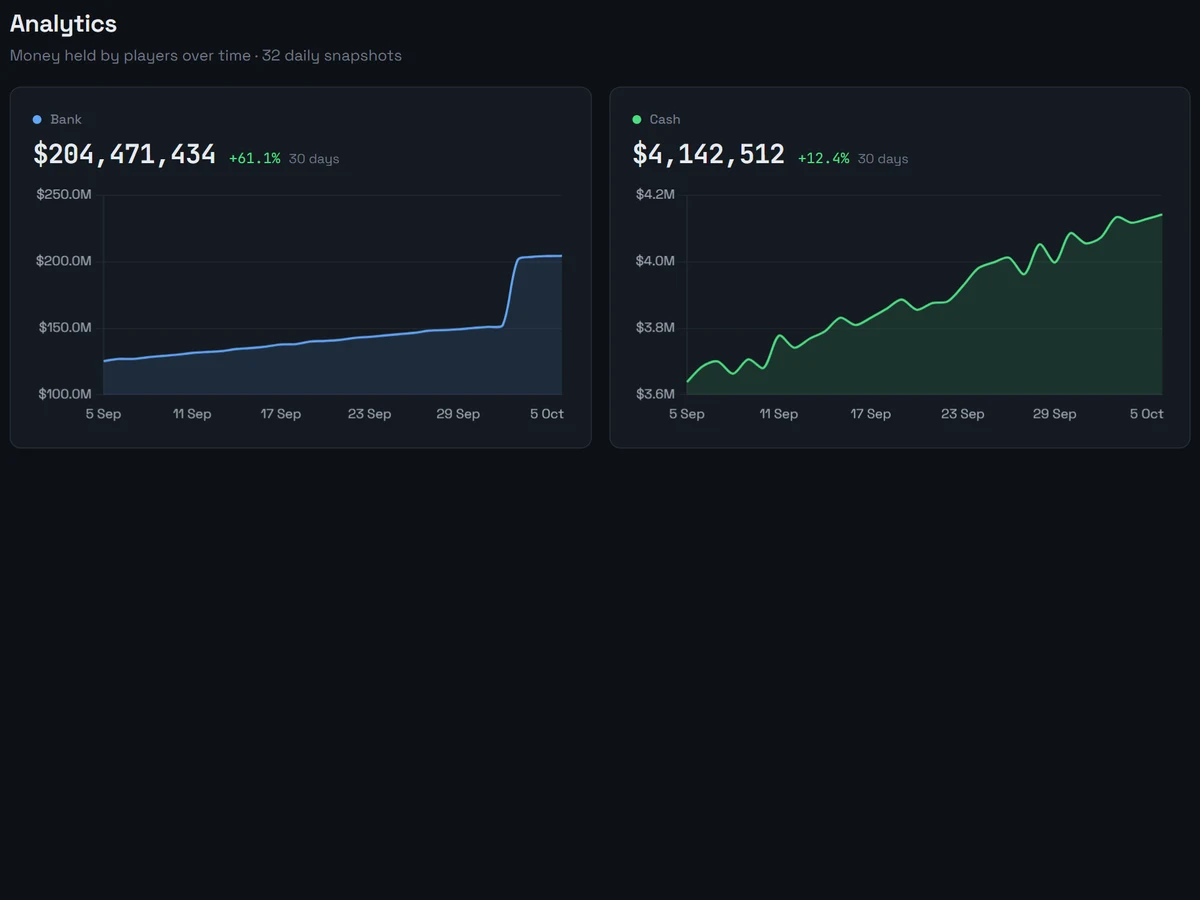
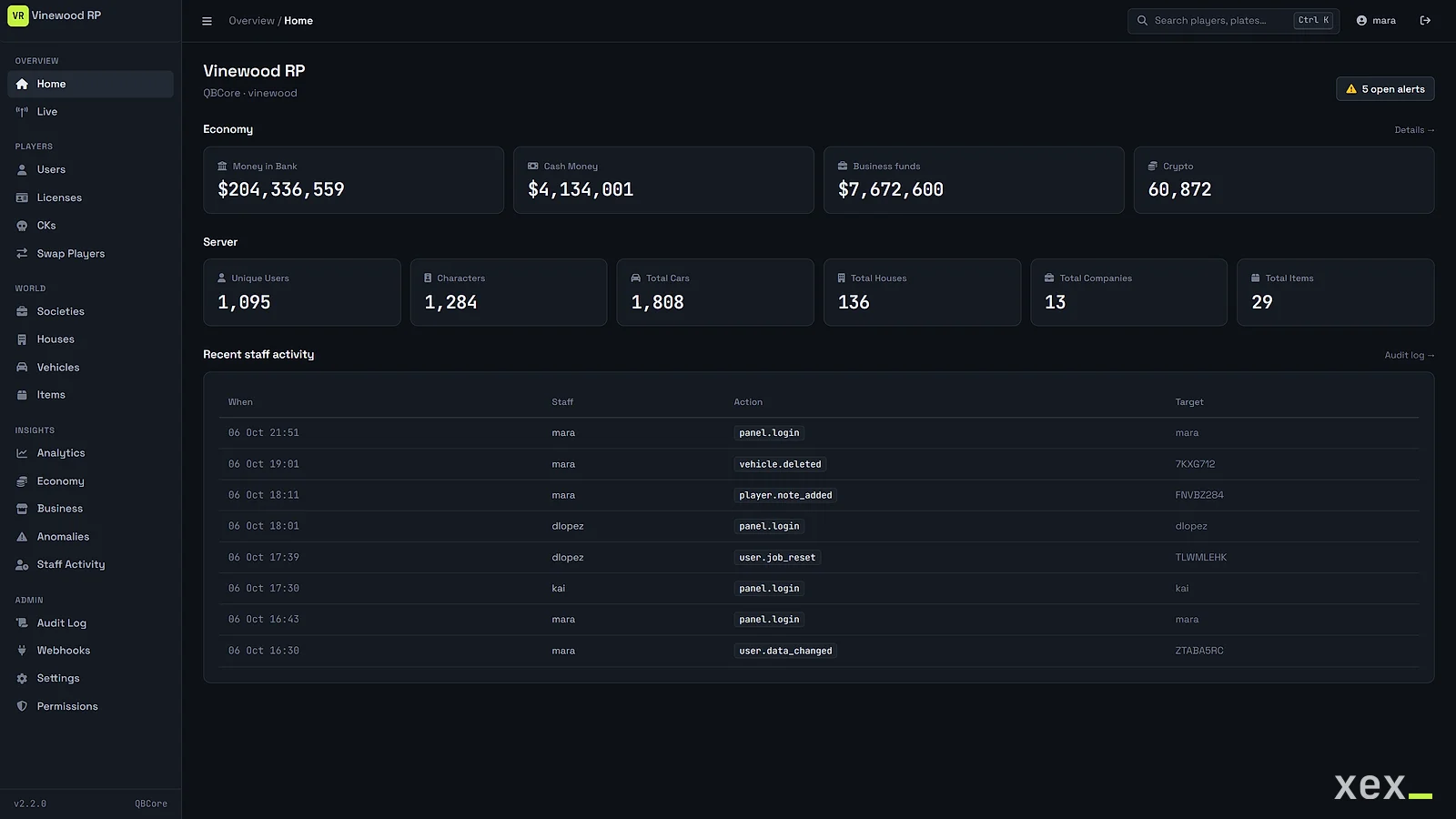
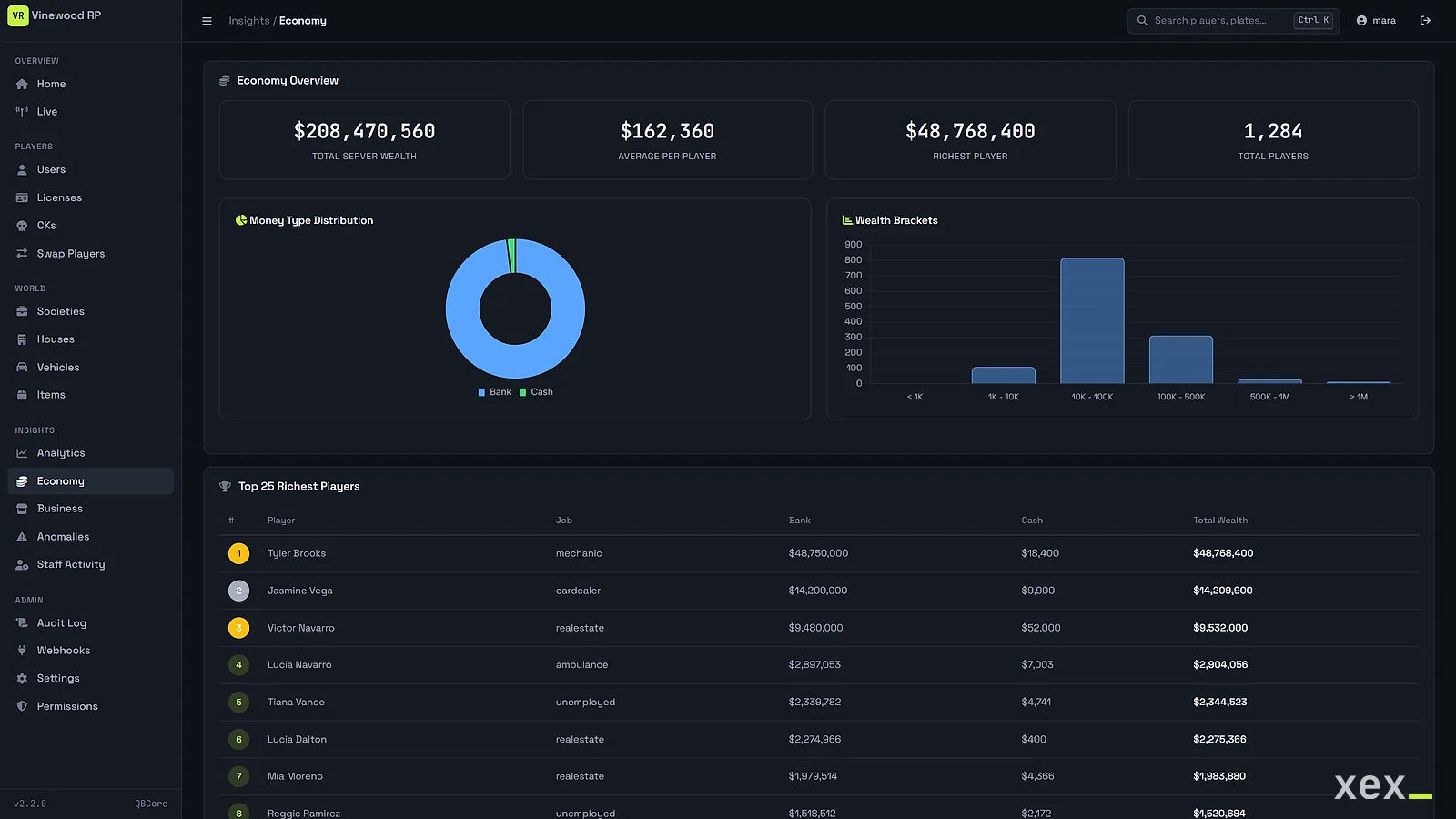
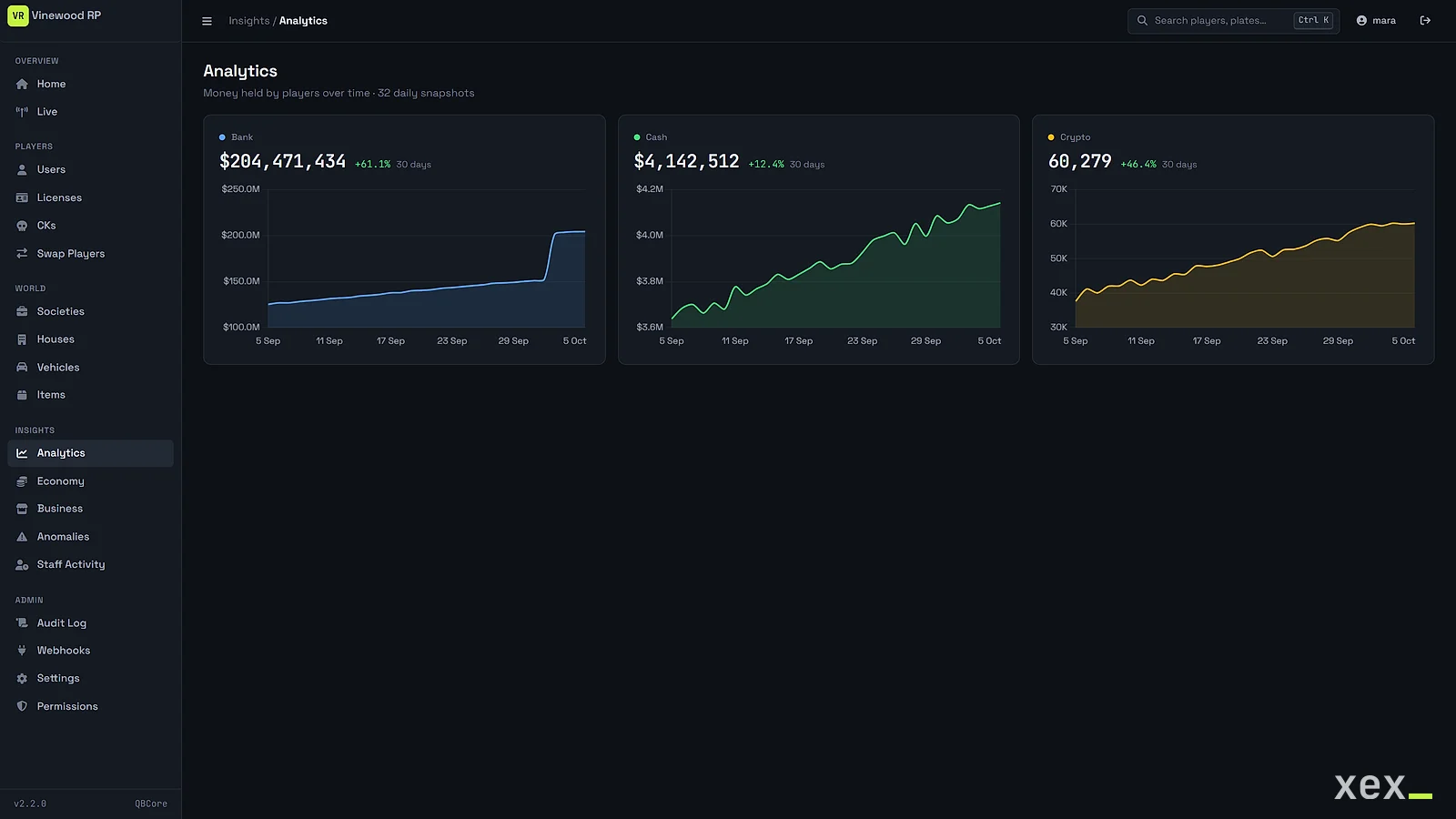
- Economy, business and staff activity dashboards (with an hourly heatmap), and daily money snapshots
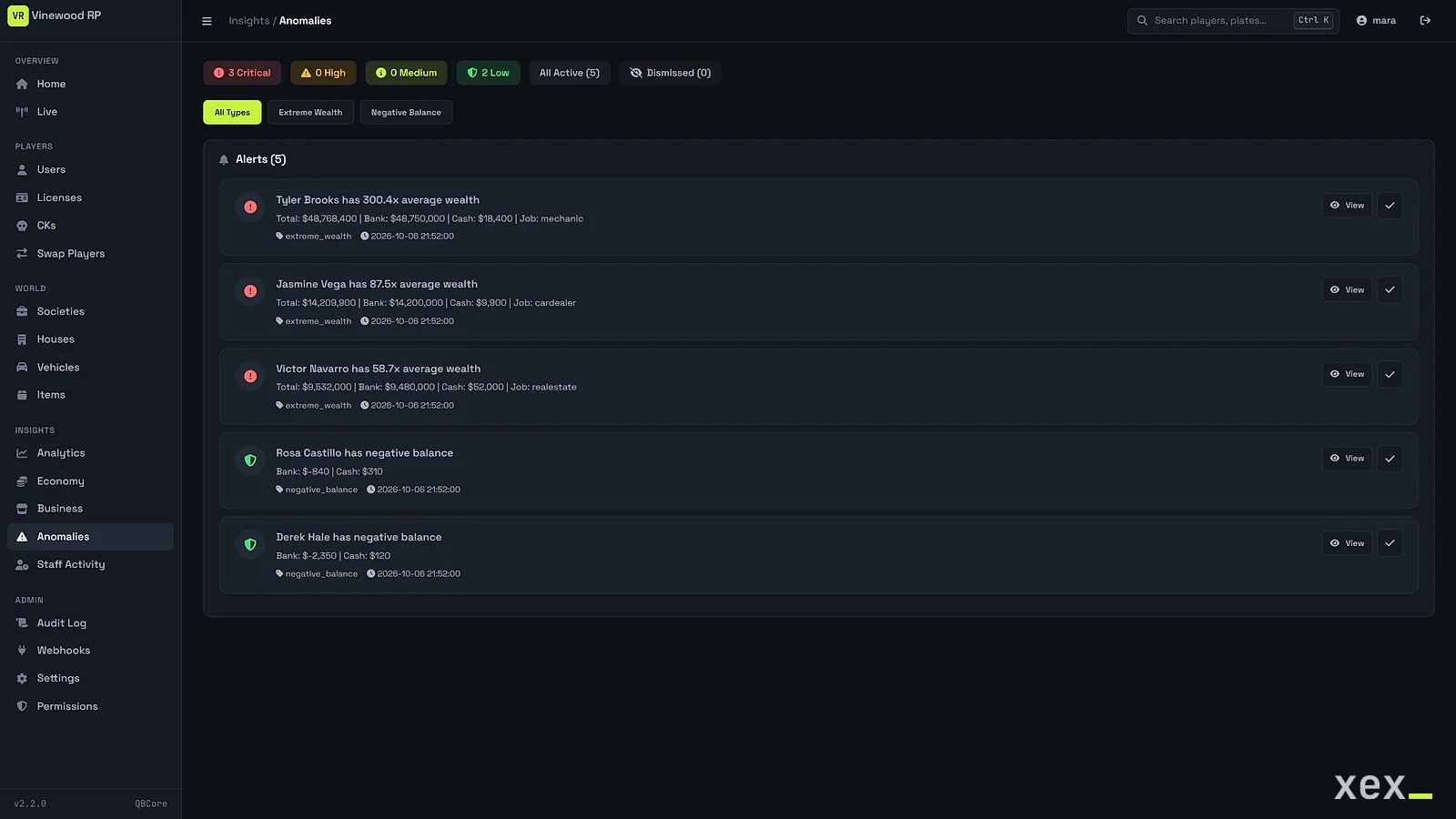
- Anomaly alerts for extreme wealth and negative balances
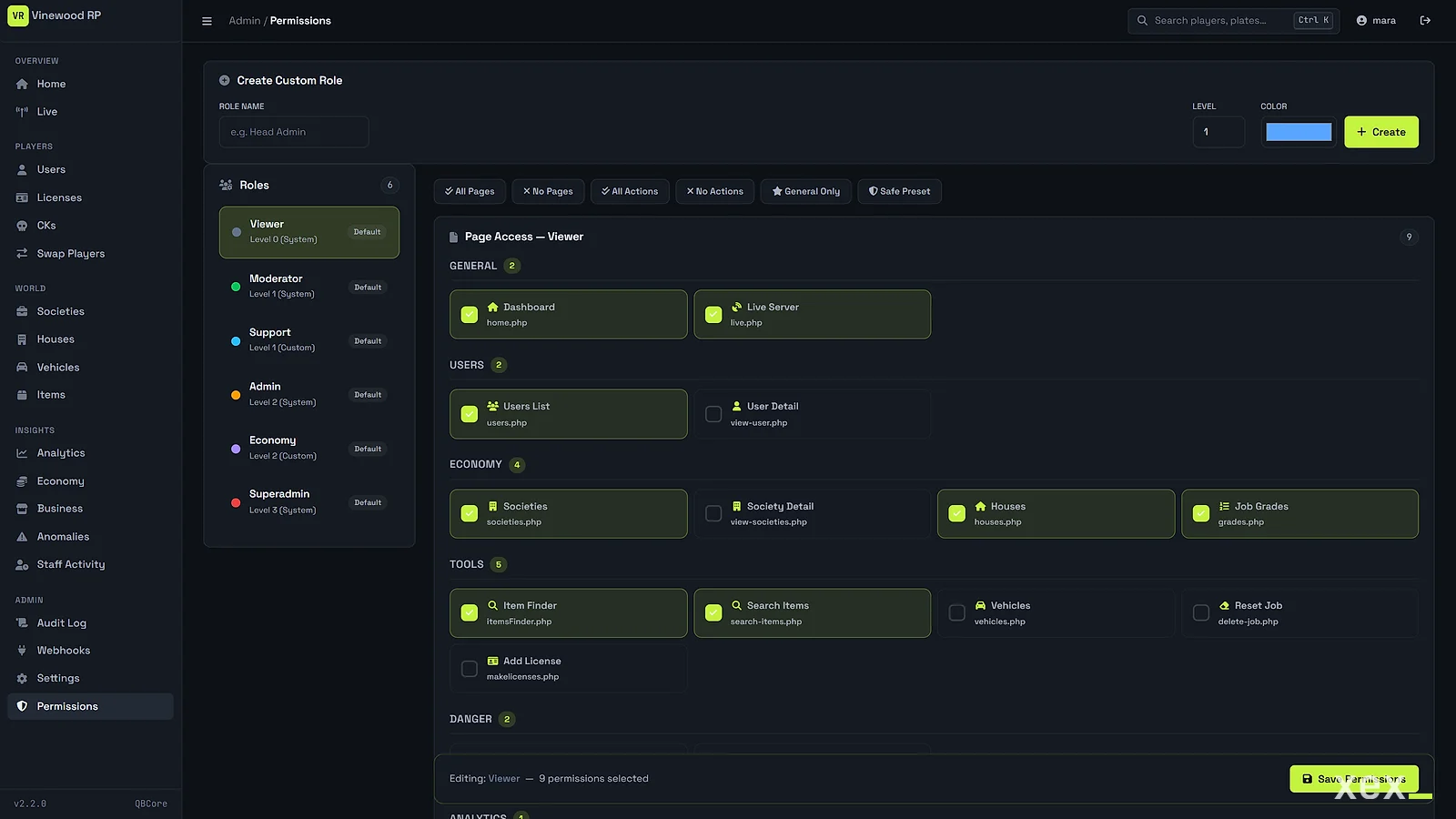
- Custom roles with per-page and per-action permissions
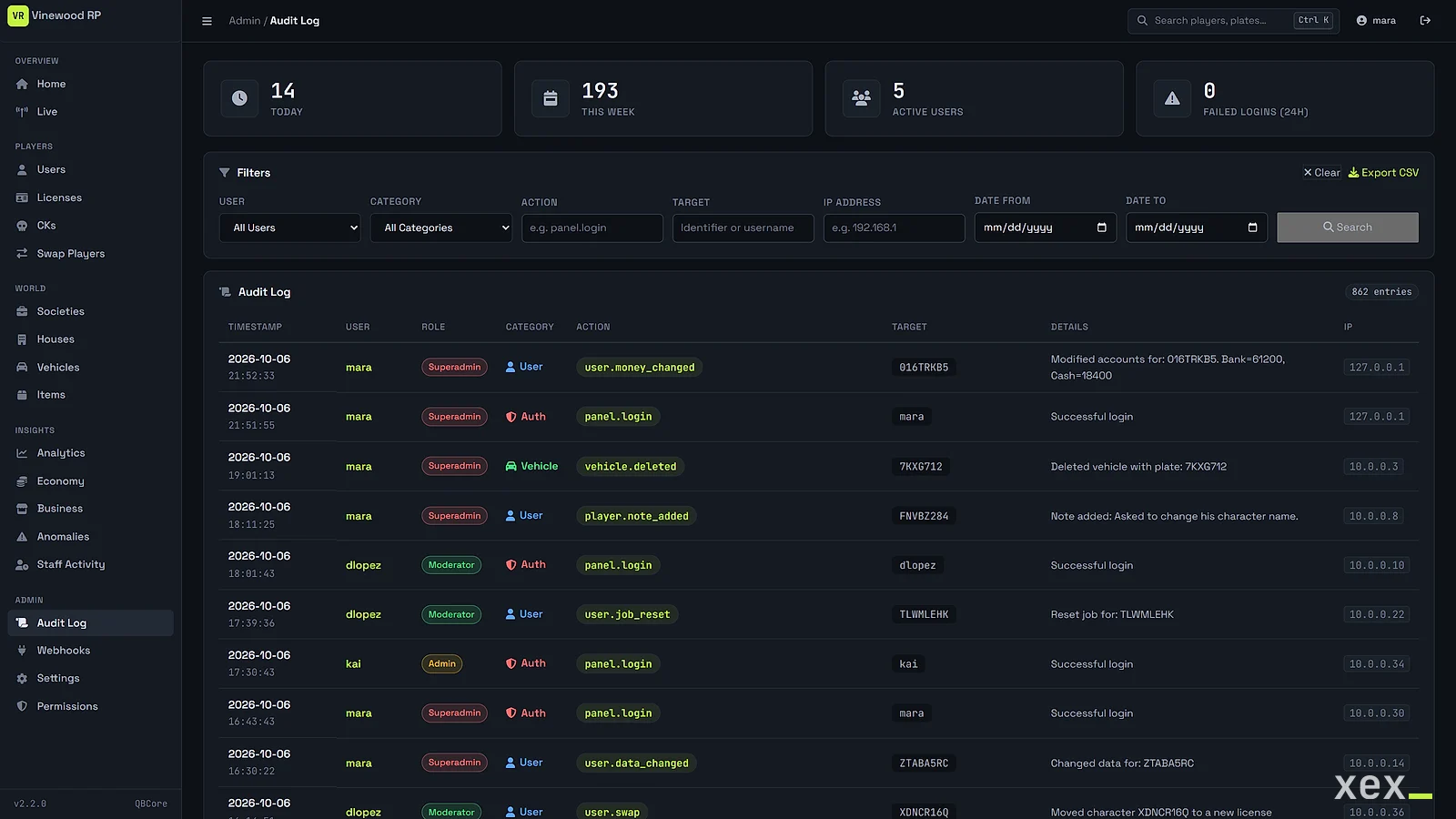
- Audit log of every staff action, with CSV export
- 13 webhook events for Discord, Slack or any JSON endpoint
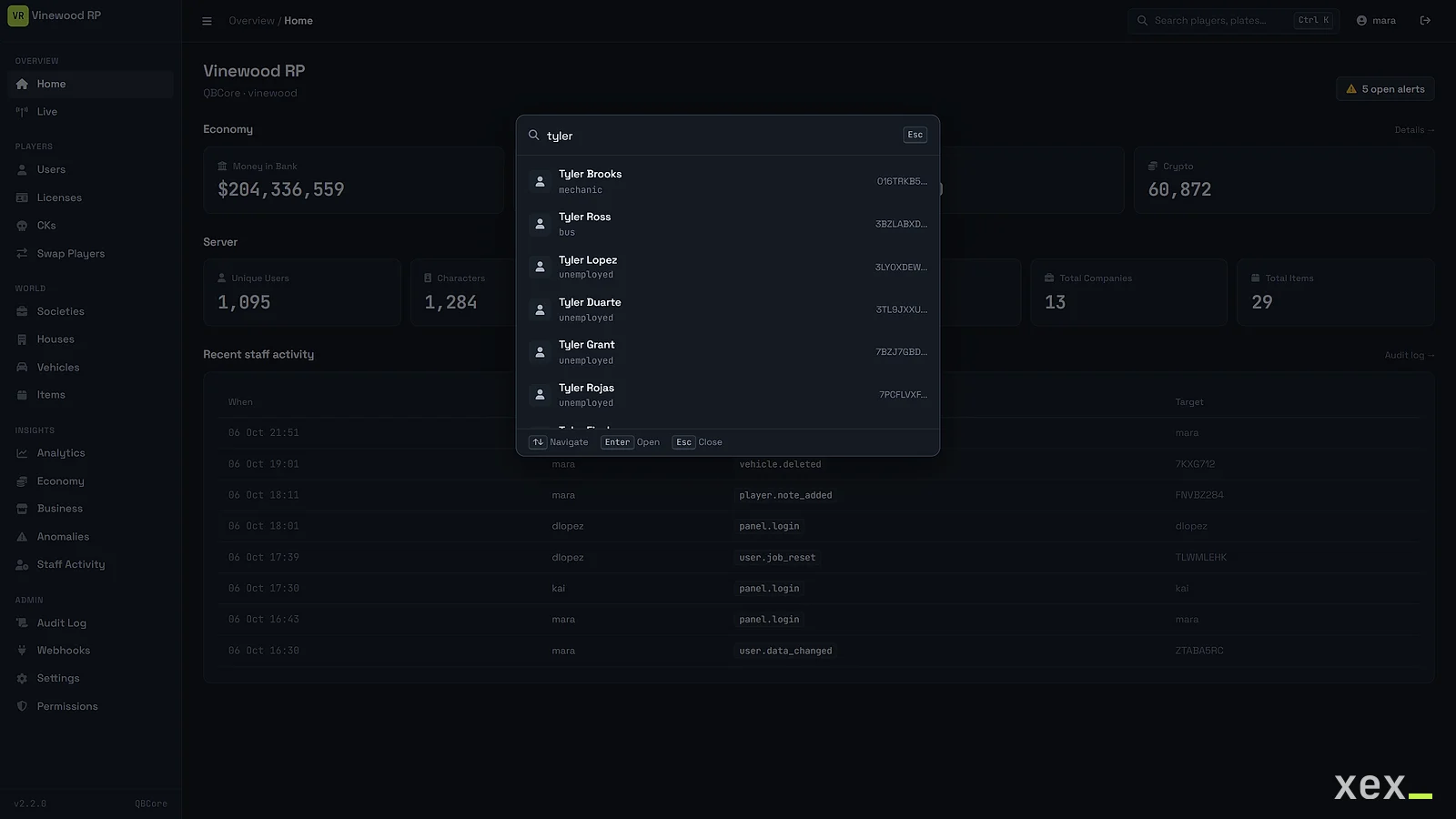
- Quick search (Ctrl+K) for players, plates and pages
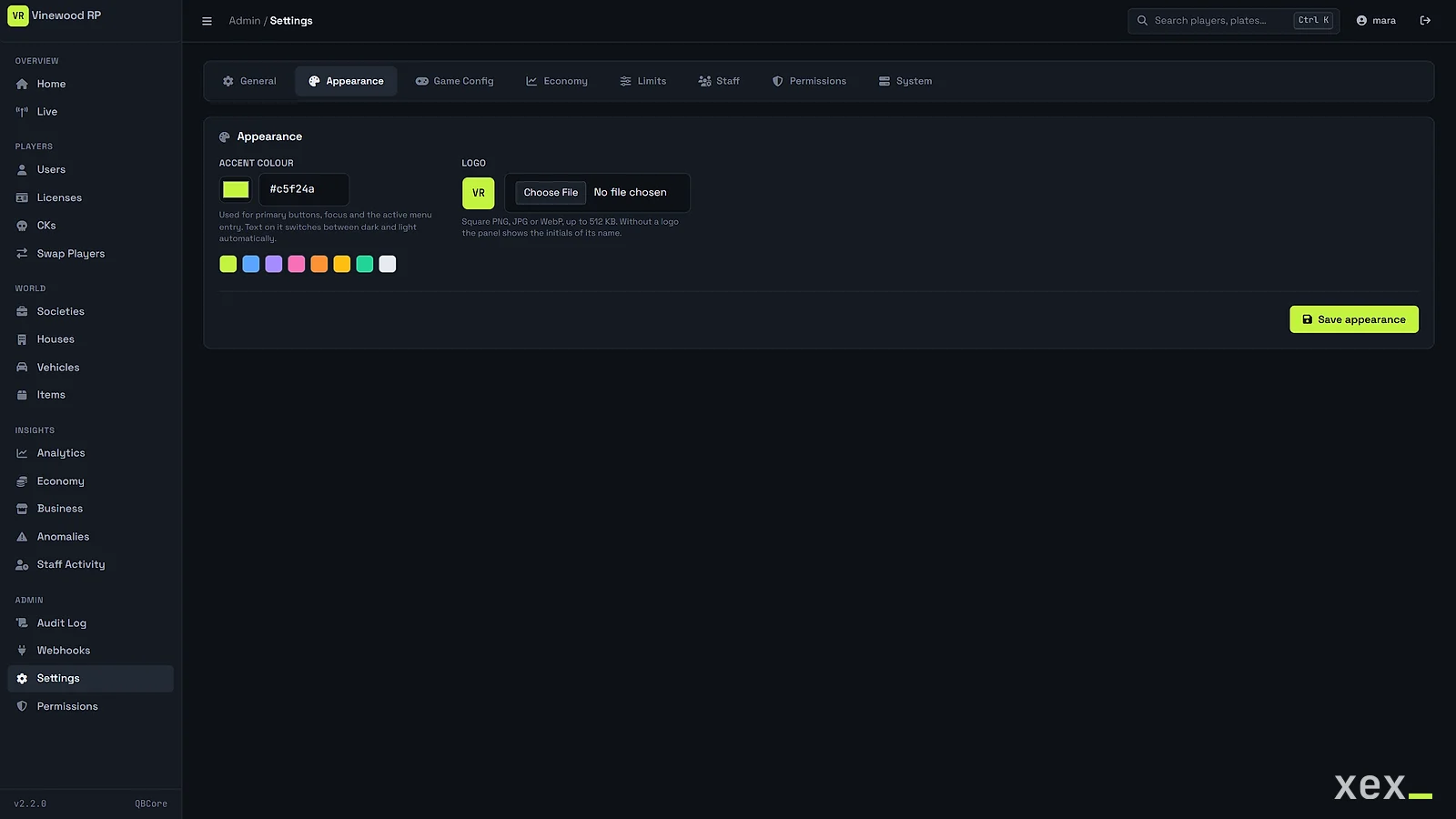
- Your accent color and logo, and a read-only demo mode
- Player list export to CSV
- Guided web installer. It only creates its own tables and never changes yours
- Optional two-step verification with Google Authenticator, Authy or any TOTP app. Off, optional per admin or required for all, with single-use recovery codes and a reset for lost phones
- bcrypt passwords, CSRF on every form, login rate limiting, hardened session cookies and pinned CDN files with SRI
Changelog
v2.3.0
- Optional two-step verification with 6-digit codes from Google Authenticator, Authy or any TOTP app. Off by default, so nothing changes after updating
- Three modes in Settings → Staff. Off, optional (each admin turns it on in their profile) or required for every admin
- Setup with a QR code drawn in the browser, 10 single-use recovery codes, and a reset from Settings or the command line when an admin loses their phone
- Wrong codes count towards the login rate limit, and every change is written to the audit log
- Max login attempts and lockout time from Settings → General now apply to sign-in
v2.2.1
- Update check in Settings → System that shows when a new version is available (no data about your server is sent)
- The installer stays locked after a manual installation and validates the database name
- The analytics cron script only runs from the command line, and the hardened session cookie also applies to the login request
v2.2.0
- Native QBCore and Qbox support. Player data, job, money and licenses are read and written in their JSON columns, and Qbox job groups are kept in sync
- Installer detects ESX, QBCore and Qbox, and config.php now only holds your values
- Housing, banking, billing, ox_inventory and phone are detected automatically, and unused pages are hidden
- Player CSV export and a read-only demo mode
- New interface with grouped navigation, quick search, your accent color and logo, and one chart per account in analytics
- Item labels from your items.lua (ox_inventory or qb-core)
- Security fixes for the session cookie, login messages, item search CSRF, audit purge permissions and several escaping issues
v2.1.0
- Anomaly detection, economy overview, business analytics, staff activity and the audit log
- Permissions manager with per-page and per-action roles
- Settings panel, global search and per-player staff notes
- Discord webhook events
- CSRF on every form, login rate limiting, bcrypt and central middleware
- Guided web installer and unified schema.sql
FAQ
Where does it run?
On any PHP 7.4+ web hosting, next to your game server or on another machine. It connects to the same MySQL or MariaDB database your server uses, so the database has to accept connections from the panel.
Which frameworks does it support?
ESX Legacy, QBCore and Qbox, detected by the installer. Custom ESX-like frameworks work by mapping your table and column names in config.php.
My server uses ps-housing, Renewed-Banking or another resource. Will it work?
The panel looks for the common housing, banking, billing, inventory and phone tables and shows what it finds under Settings → System. Anything it does not find is hidden instead of showing errors. A table with a different name can be pointed to in config.php.
Does it replace txAdmin?
No. It works next to txAdmin and covers what txAdmin does not, such as offline players, their data, the economy and an audit trail of your staff.
Is the code encrypted?
No. It is plain PHP, so you can read it, host it where you want and adapt it. The license covers one server community.
I have an older version. How do I update?
Download the latest version from Tebex and replace the files, keeping config.php. Configs from 2.1 and 2.2 keep working, and two-step verification stays off until you turn it on in Settings.
Can my staff use two-step verification?
Yes, from 2.3. You choose in Settings whether it is off, optional for each admin or required for everyone. It works with Google Authenticator, Authy and other TOTP apps, and each admin gets single-use recovery codes in case they lose their phone.
Do player changes apply while they are online?
The panel edits the database, so changes are picked up when the player next loads their character. Edit players while they are offline, as you would with any database tool.
Questions before you buy?
Open a ticket on Discord: compatibility, install, what the config covers.
Click through the panel
A working replica of the interface. Switch framework to see what changes, and try an accent color.
Economy
Server
Recent staff activity
| 14:14 | kai | user.data_changed | 04A51CCE |
| 13:48 | mara | user.job_reset | 34D49091 |
| 12:36 | dlopez | user.license_removed | 256AB201 |
| 12:17 | admin | user.money_changed | B4278843 |
Names and job are written into charinfo and job with JSON_SET.
Richest players
| Player | Job | Bank | Cash | Black money |
|---|---|---|---|---|
| Casey Lane | realestate | $18,750,000 | $20,426 | $0 |
| Riley Grey | unemployed | $3,044,891 | $1,419 | $12,300 |
| Omar Doyle | cardealer | $461,614 | $2,400,000 | $94,150 |
| Alba Cole | unemployed | $2,674,669 | $23,116 | $0 |
| Enzo Walsh | unemployed | $2,276,640 | $4,403 | $310,000 |
Anomaly alerts